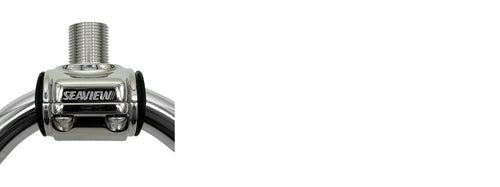
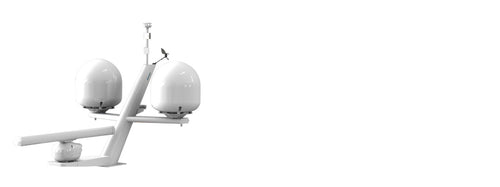
Choose your electronics, find your mount, then add the finishing touches. See each component as your system comes together.
M1M2MODULAR CONNECTIONS
01Start with your electronics
02Choose your mount and/or top plate
03Choose your accessoriesOptional
Wedges, hinges & fold-over options
Have a different model or a more complex installation? Talk to Seaview ↗
Build a compatible marine electronics mounting system
Use the Seaview Mount Builder to select a single or dual modular mount for radar, satellite and communication domes, Starlink, cameras or searchlights. Choose your electronics manufacturer and model to see the matching mount and top-plate options.
How do I choose a compatible mount?
Start with the exact electronics model, mount configuration and finish. Review the mount, top plate and available accessories together. A dual-mount installation also needs a review of the lower radar, bolt pattern, weight and clearance.
Does my Starlink top plate need a wedge?
Performance Gen2, formerly Flat High Performance, requires a Starlink wedge with the applicable flat-HP top plates. Choose the marinized Seaview wedge in the builder if needed, or confirm that you already have the required wedge. Performance Gen3 and Standard use different mounting interfaces.
Can I view the assembly and its dimensions?
The builder provides component previews, a parts list and dimensional drawings where geometry is available. Check the drawing's coverage notes, the installation instructions and your electronics clearances. Ask Seaview to confirm any incomplete or unusual assembly before installation.


 Starlink Standard Actuated or Enterprise Adapter
 Starlink Standard Actuated or Enterprise Adapter & Fixed Base
 Starlink Standard Actuated or Enterprise Adapter & Ratchet Base
 Starlink Standard Actuated or Enterprise Adapter for 24" domes
 Starlink Standard Actuated or Enterprise Modular Top Plate
 Standard Vertical Cable Entry
 Retrofit Vertical Cable Entry